What is the AI Security Assistant?
After the Review model has confirmed a finding is a genuine vulnerability, the Security Assistant takes over. It receives the full structured vulnerability report — severity, CWE class, affected code, file context — and generates a response that any developer on the team can act on immediately.
Unlike a generic large language model, the Security Assistant has been fine-tuned specifically on security remediation tasks. It understands vulnerability patterns, secure coding idioms, and the relationship between a specific code anti-pattern and the class of attack it enables.
Model ID: AquilaX-AI/security_assistant — available on HuggingFace. Base: Qwen2.5-Coder (0.5B parameters). Fine-tuning: LoRA with rank 256, alpha 64, 4-bit quantization, 3 epochs.
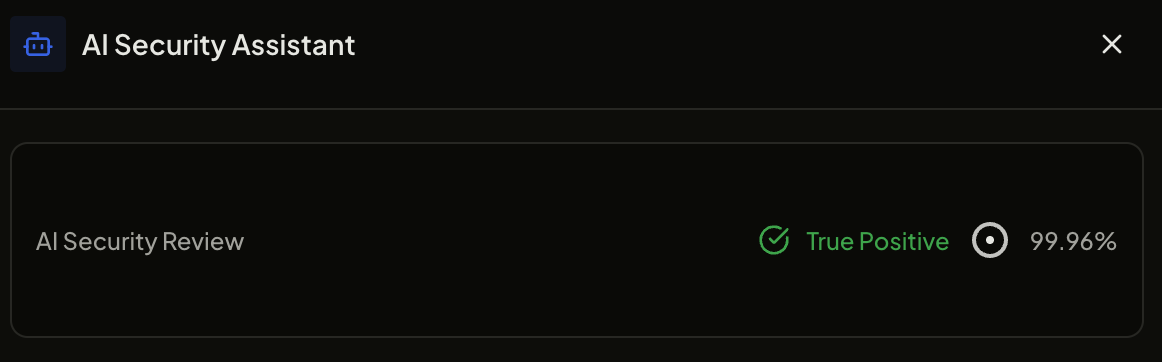
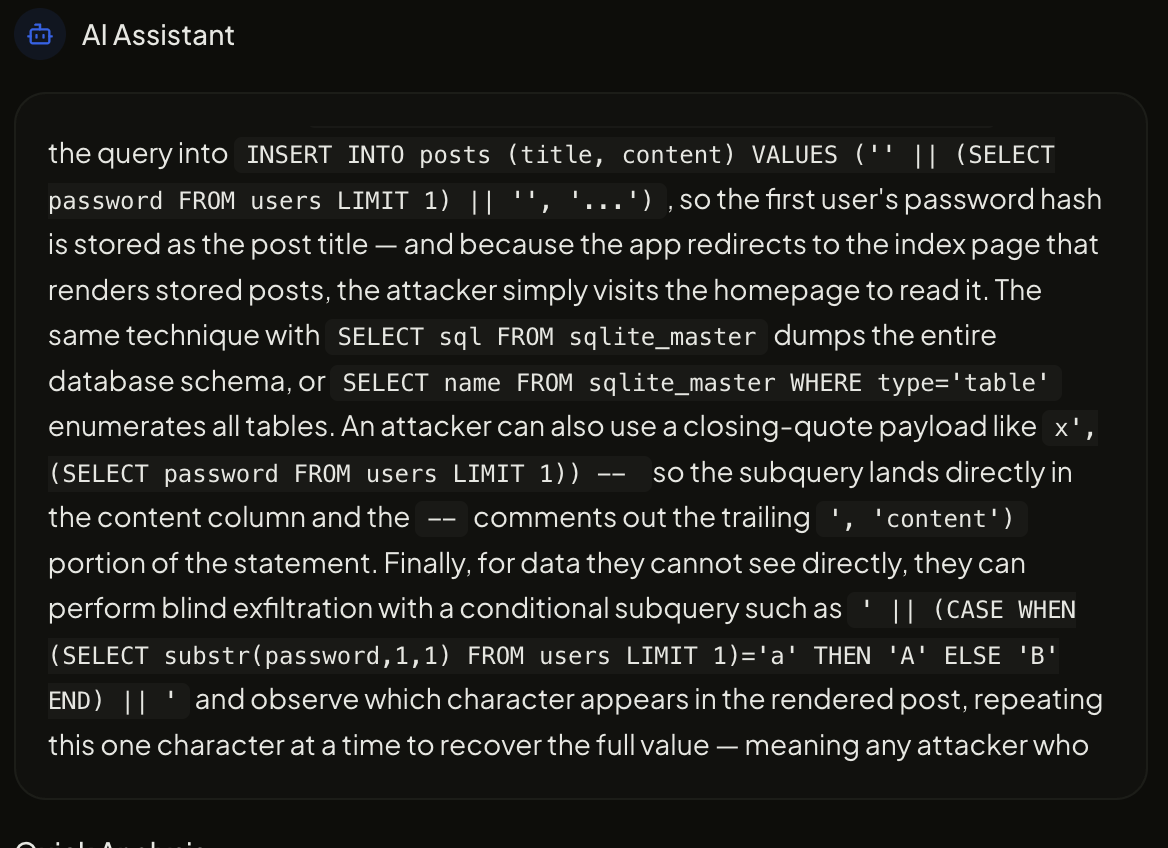
What the DevSecOps AI chatbot produces.
For each confirmed vulnerability, the Security Assistant generates three distinct outputs in a single inference pass:
- Explanation: What the vulnerability is, why the flagged code pattern is dangerous, and what class of attack it enables (XSS, SQLi, SSRF, etc.)
- Fix recommendation: Concrete, language-specific code changes with before/after examples. References to standard libraries, sanitisation functions, or framework-native security controls where applicable.
- Impact analysis: Business and compliance implications — data exposure risk, regulatory obligations (GDPR, HIPAA, PCI DSS), and priority guidance relative to other findings in the same scan.
Maximum output length is 1024 tokens per finding, keeping responses focused and actionable rather than verbose.
Architecture and training.
The Security Assistant is built on Qwen2.5-Coder — a code-specialised language model from Alibaba Cloud with 0.5 billion parameters. The base model is fine-tuned using Low-Rank Adaptation (LoRA) on AquilaX's internal dataset of vulnerability reports paired with expert-written remediation guidance.
Key training configuration:
- Base model:
Qwen2.5-Coder(0.5B parameters) - Fine-tuning method: LoRA (Low-Rank Adaptation)
- LoRA rank: 256 | LoRA alpha: 64
- Quantization: 4-bit (NF4) — enables deployment on hardware with limited VRAM
- Training epochs: 3
- Max output tokens: 1024
Why 0.5B parameters? The Security Assistant is optimised for low-latency deployment at scale. At 0.5B parameters with 4-bit quantization, the model runs on a single CPU or minimal GPU, making it practical to run per-finding across thousands of simultaneous scans.
Input schema.
The Security Assistant receives a structured JSON vulnerability report as input. The following fields are expected:
| Field | Type | Description |
|---|---|---|
| vulnerability | string | Short name of the vulnerability (e.g. "SQL Injection", "Path Traversal") |
| cwe_id | integer | CWE identifier (e.g. 89 for SQL Injection) |
| severity | enum | CRITICAL / HIGH / MEDIUM / LOW / INFO |
| affected_file | string | Relative path of the file containing the vulnerability |
| affected_line | integer | Line number where the vulnerability was detected |
| code_snippet | string | Code surrounding the finding (±10 lines context) |
| language | string | Programming language (e.g. "python", "javascript", "java") |
| scanner | string | Scanner that detected the finding (e.g. "sast", "sca") |
Running inference.
from transformers import AutoTokenizer, AutoModelForCausalLM
import json

model_id = "AquilaX-AI/security_assistant"
tokenizer = AutoTokenizer.from_pretrained(model_id)
model = AutoModelForCausalLM.from_pretrained(
    model_id,
    load_in_4bit=True,
    device_map="auto"
)

# Structured vulnerability report as input
finding = {
    "vulnerability": "SQL Injection",
    "cwe_id": 89,
    "severity": "CRITICAL",
    "affected_file": "src/db/users.py",
    "affected_line": 42,
    "code_snippet": 'query = "SELECT * FROM users WHERE id = " + user_id',
    "language": "python",
    "scanner": "sast"
}

prompt = f"Analyse this vulnerability and provide: 1) explanation, 2) fix, 3) business impact.\n\n{json.dumps(finding, indent=2)}"

inputs = tokenizer(prompt, return_tensors="pt").to("cuda")
outputs = model.generate(
    **inputs,
    max_new_tokens=1024,
    temperature=0.1,
    do_sample=True
)
response = tokenizer.decode(outputs[0], skip_special_tokens=True)
print(response)
Tip: Set temperature=0.1 for consistent, deterministic remediation advice. Higher temperatures produce more varied outputs, which is useful for generating multiple fix approaches but less predictable for production use.
API access.
The Security Assistant is available via the AquilaX REST API. You do not need to host the model yourself — it runs as part of the Securitron AI pipeline and is available to all Ultimate plan customers.
API endpoint: https://developers.aquilax.ai/api-reference/genai/assistant
The API accepts the same JSON input schema described above and returns the model's structured remediation output. Authentication uses your AquilaX API token passed as a Bearer header.
Rate limits: The Security Assistant API is available with no per-call rate limit on Ultimate and Enterprise plans. Premium plan access is limited to 100 requests/day. Free plan does not include Security Assistant access.